Our product is access: access to me, to our staff, and to quality care. We need tools that enable access, which is why we switched to Spruce.
Dr. Rob Lamberts
Primary Care Physician

HIPAA-compliant | HITRUST Certified | Completed SOC2 Type II Audit
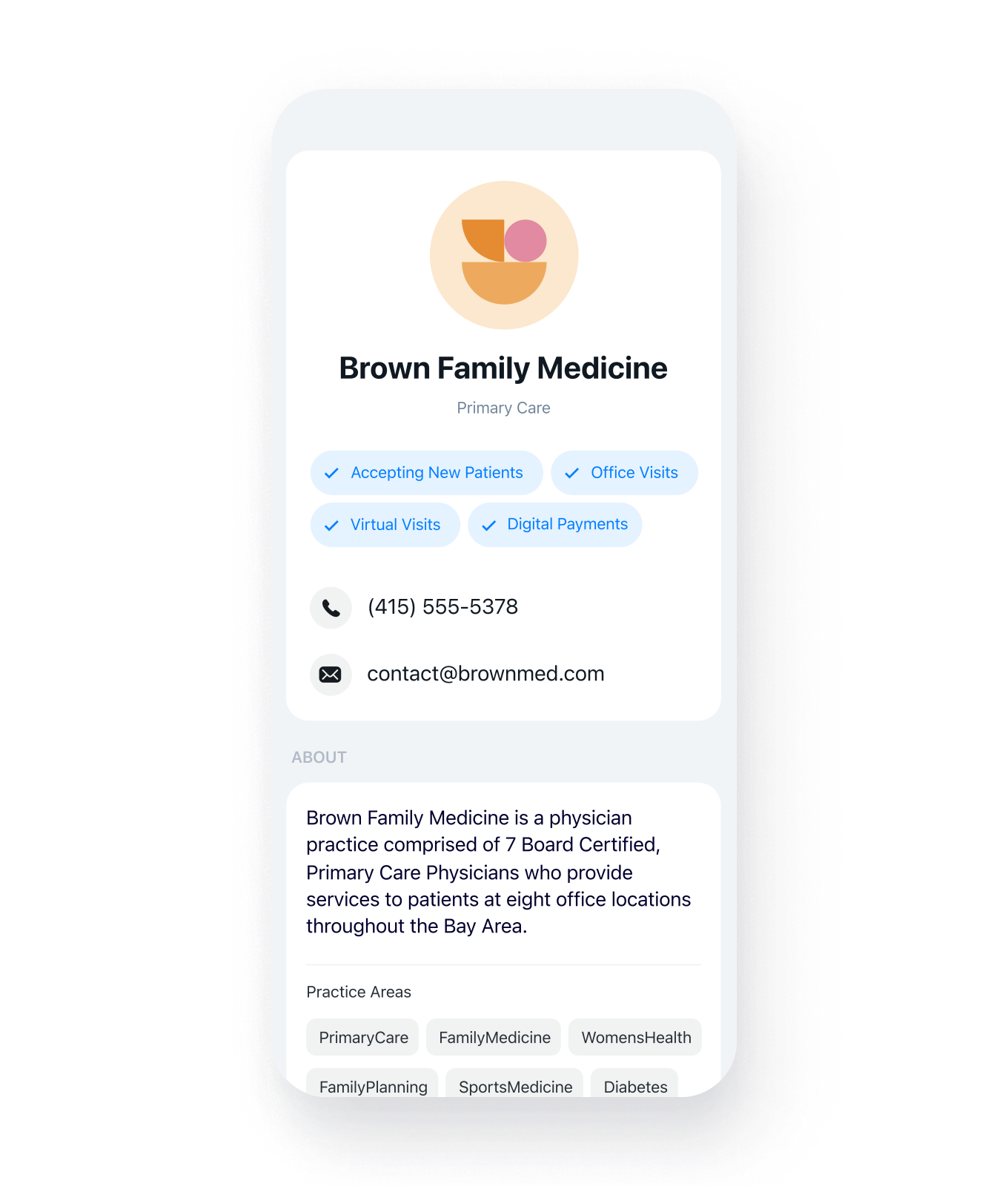

Clinic Profile
Simplified access and connection through your Clinic Profile.

Messaging
Patients can Secure Message or Text (SMS) your clinic.

Virtual Care
Video Visits and Clinical Questionnaires offer care from anywhere.

After-Hours
After-hours answering service.
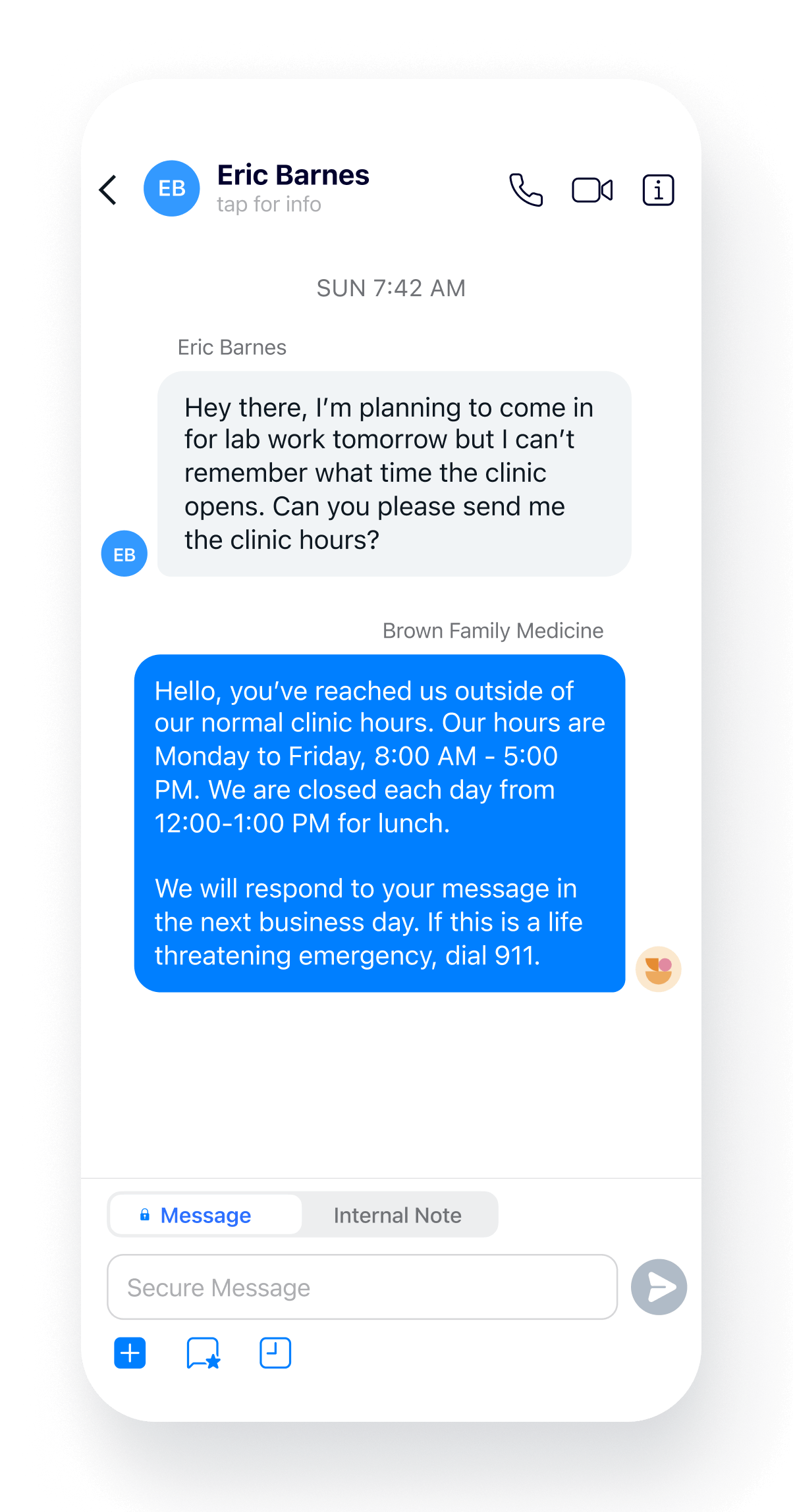

Automation
Save time by automating your common tasks.

Saved Messages
Increase productivity by saving commonly sent messages.

Workflows
Trigger automated responses based on the time of day.

Bulk Messaging
Expand your reach with bulk messages.

On-Call Coverage
Triage on-call coverage for colleagues.

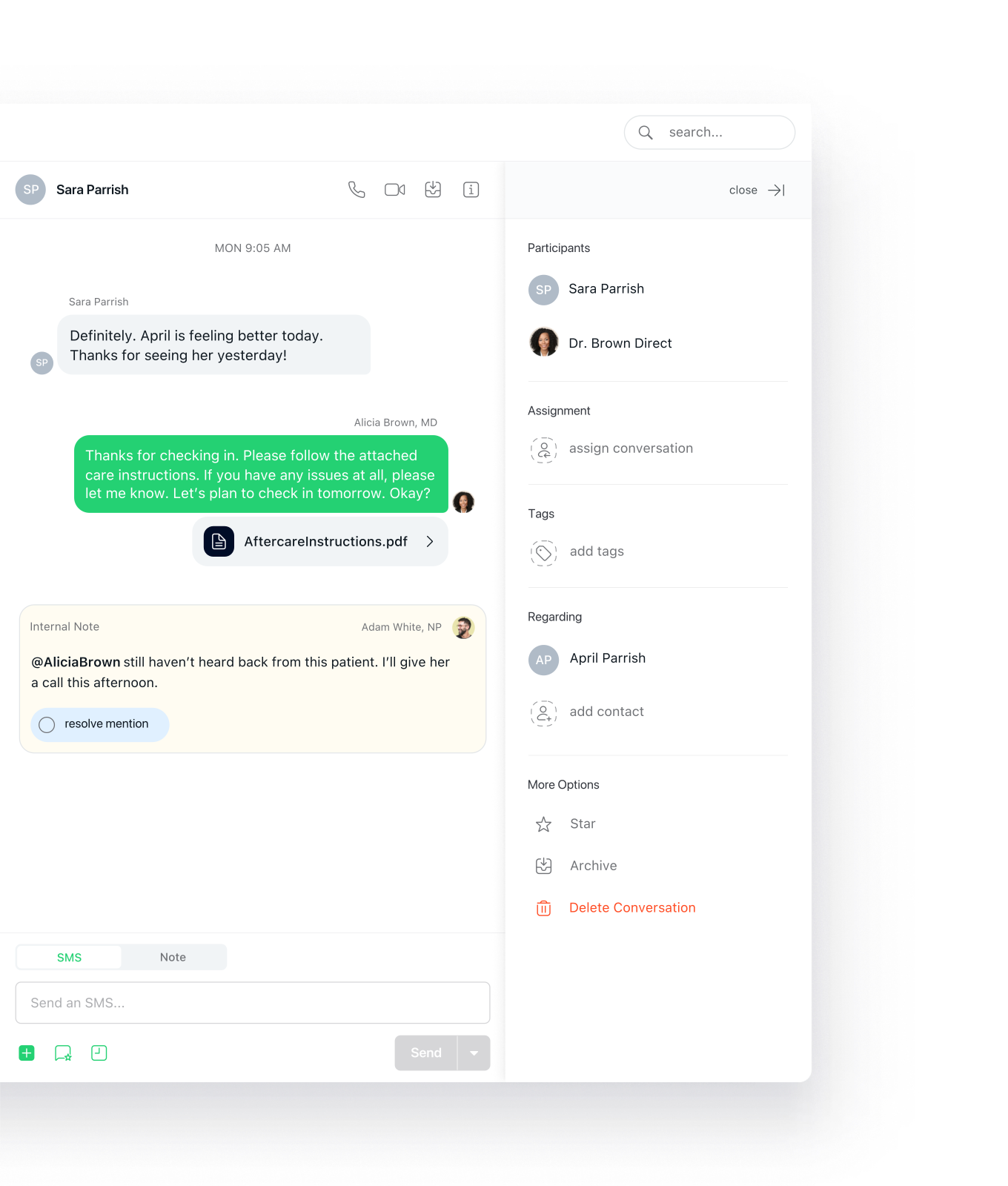
@Paging
Use @mentions to delegate work.

Referrals
Message other clinics and send referrals.
Assignment
Assign tasks to teammates.
Team Messaging
HIPAA-compliant messaging between teammates.

Notes
Communicate privately with teammates from within patient conversations.

Professional Phone
Get a new number or port in an existing phone number.

VoIP Phones
In office phone system with modern desk phones.

Phone Trees
Route callers to the right place at the right time.

E-Fax
Send and Receive Unlimited E-faxes.

Voicemail Transcription
HIPAA-compliant storage of all messages.
Urgent Escalation Triage
After-Hours Triage: Get notified of urgent calls only.
Our product is access: access to me, to our staff, and to quality care. We need tools that enable access, which is why we switched to Spruce.
Dr. Rob Lamberts
Primary Care Physician
Spruce is a great all-in-one solution for your communication. It makes your life easier and improves patient satisfaction. It's a huge value for what you're paying.
Dr. Robert Boyer, DPC
Trialhead Clincs
We started getting a very large number of phone calls, and since we have such a small staff we weren't prepared to handle them. Spruce has given us the ability to communicate more efficiently and effectively with patients, even with a small staff and large call volume.
Kaela Thurman NP
Hometown Health Center
Spruce supports HIPAA-compliant communications across phone, texting, faxing, and telehealth. Every eligible Spruce organization automatically receives a HIPAA Business Associate Agreement (BAA) as part of the terms of service — no separate agreement, opt-in, or additional fees required. You electronically agree to the Spruce BAA when you create an organization on Spruce, and you can review this agreement in our terms of service.
Yes. Spruce is designed for small and independent practices across all specialties, including primary care. Whatever your patient population, Spruce gives you one professional platform for phone, texting, faxing, secure messaging, and telehealth — plus team tools like shared inboxes, conversation assignments, internal notes, call flows, after-hours triage, and so much more, making it easier to stay organized and responsive to patients.
Spruce lets you set up scheduled auto-replies, so patients always hear back, even when you are unavailable. On the Communicator plan, you can set up after-hours call flows to route urgent calls to the right on-call staff, and set up message flows that let patients flag a message as urgent — alerting the right person immediately.
Yes. Spruce's call flows feature lets you build a fully customizable phone tree for your practice in a self-service way. You can greet callers with a menu of options, route calls to the right team or team member, and even set up automatic follow-up actions when a call ends — like sending a text or assigning the conversation. Call flows can also be tied to a schedule, so your routing switches automatically between business hours and after hours. You can use AI text-to-speech to create professional greetings in seconds without recording your own audio.
Yes. You can transfer (port) your existing business phone or fax number to Spruce, and your practice number will remain the same. You can also get a new number instantly during setup. Learn more about porting a phone or fax number.